
Anisha Lily Pet Styling
Now on your phone
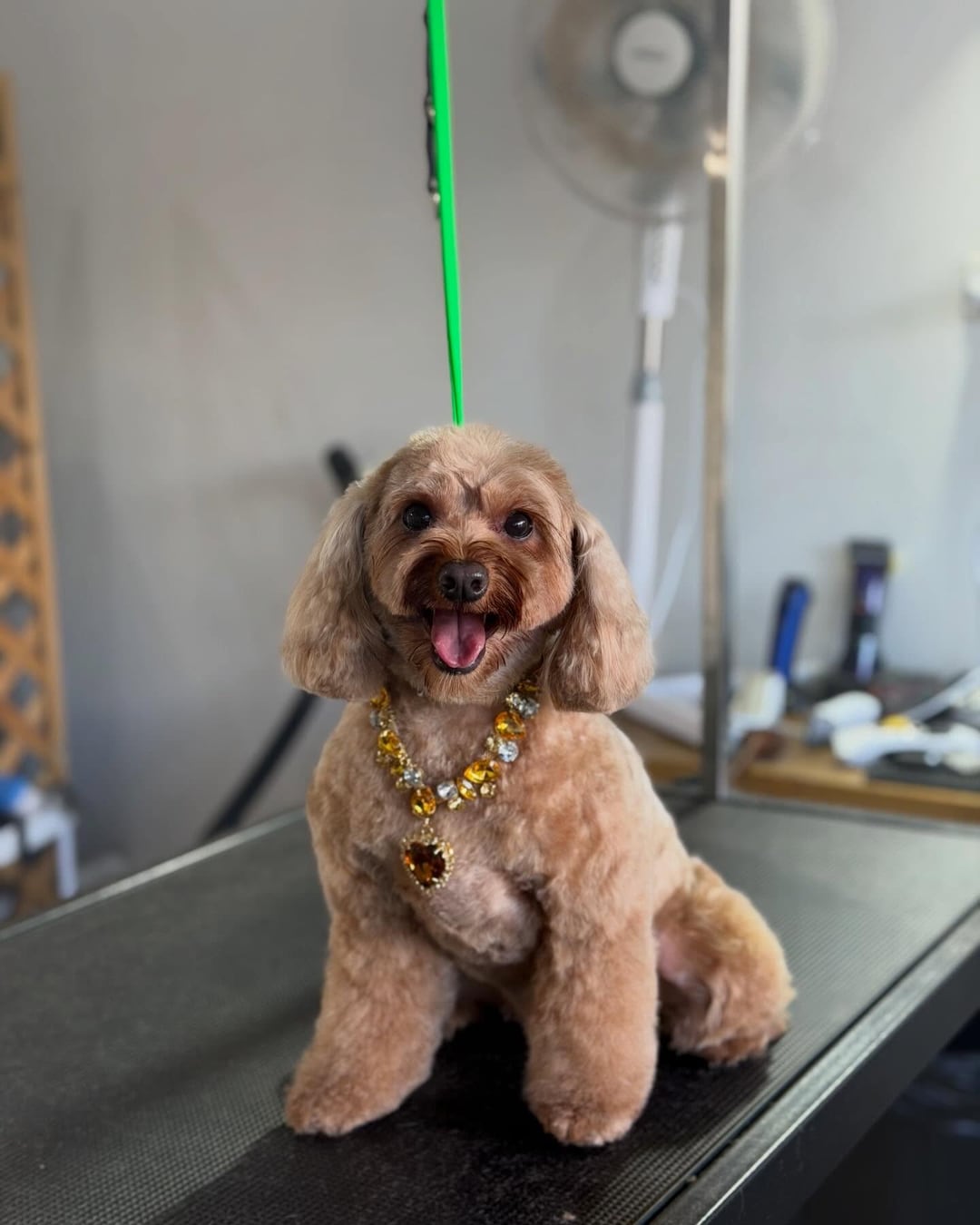
Your dog’s own app
from Anisha Lily Pet Styling
Your dog’s Dogdoor, on your home screen
Every card, every photo and your bookings, in one place.
- Every visit’s photos and report card, kept
- Book in two taps and see what’s coming up
- Message Anisha Lily Pet Styling straight from it
No app store · about a minute
How to get it
Find your dog
Add it to your Home Screen
On your phone, on your dog’s page (so the icon opens straight to them). On an iPhone, in Safari:

1Tap ⋯ 
2Tap Share 
3Add to Home Screen 4Then tap Add. Leave “Open as Web App” on.Android: in Chrome, tap the three dots (⋮), then “Install app”.
Open it like any app
The Anisha Lily Pet Styling logo, named after your dog. One tap: photos, bookings and chat.